01
A better business phone
Bring internet calling, mobile meetings, and business conversations into one connected platform.


WORK CONNECTED. WORK ANYWHERE.
Bring your people closer with Deltapath. Business calls, video, and messaging — connected across your laptop, mobile, and office.
LESS FRICTION. MORE CONVERSATION.
Connect the tools your team uses every day. Deltapath brings business communication together, so people can get on with working together.
Bring internet calling, mobile meetings, and business conversations into one connected platform.
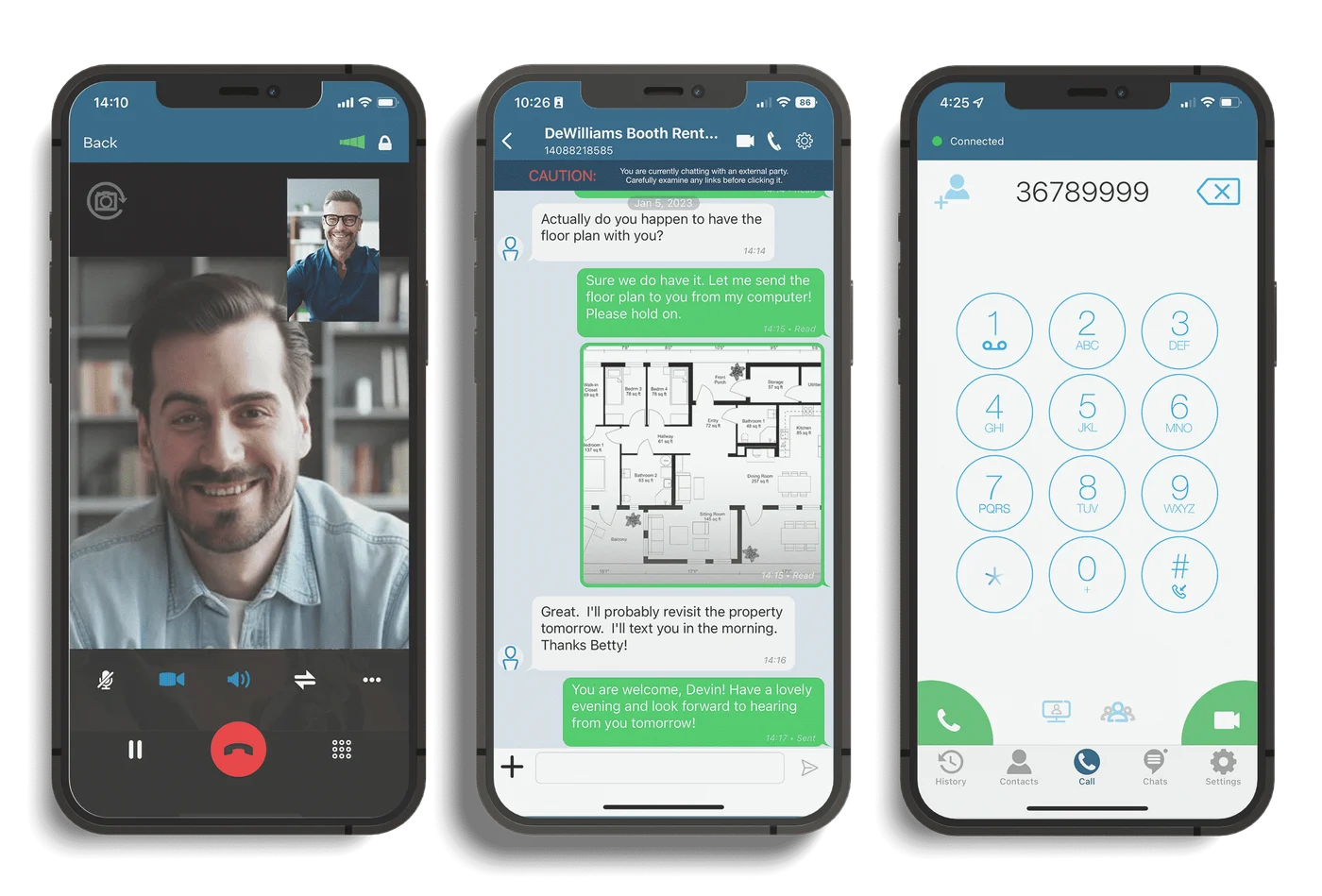
Make a video call from your phone or computer and keep the conversation personal, wherever work happens.
Exchange messages, share files, and bring colleagues together in group chats with Deltapath Mobile.
YOUR WORKDAY. YOUR DEVICE.
DELTAPATH MOBILE
Leave your desk without leaving the conversation. Turn your smartphone into a business phone with calls, video meetings, and team messages in one app.
DELTAPATH ENGAGE
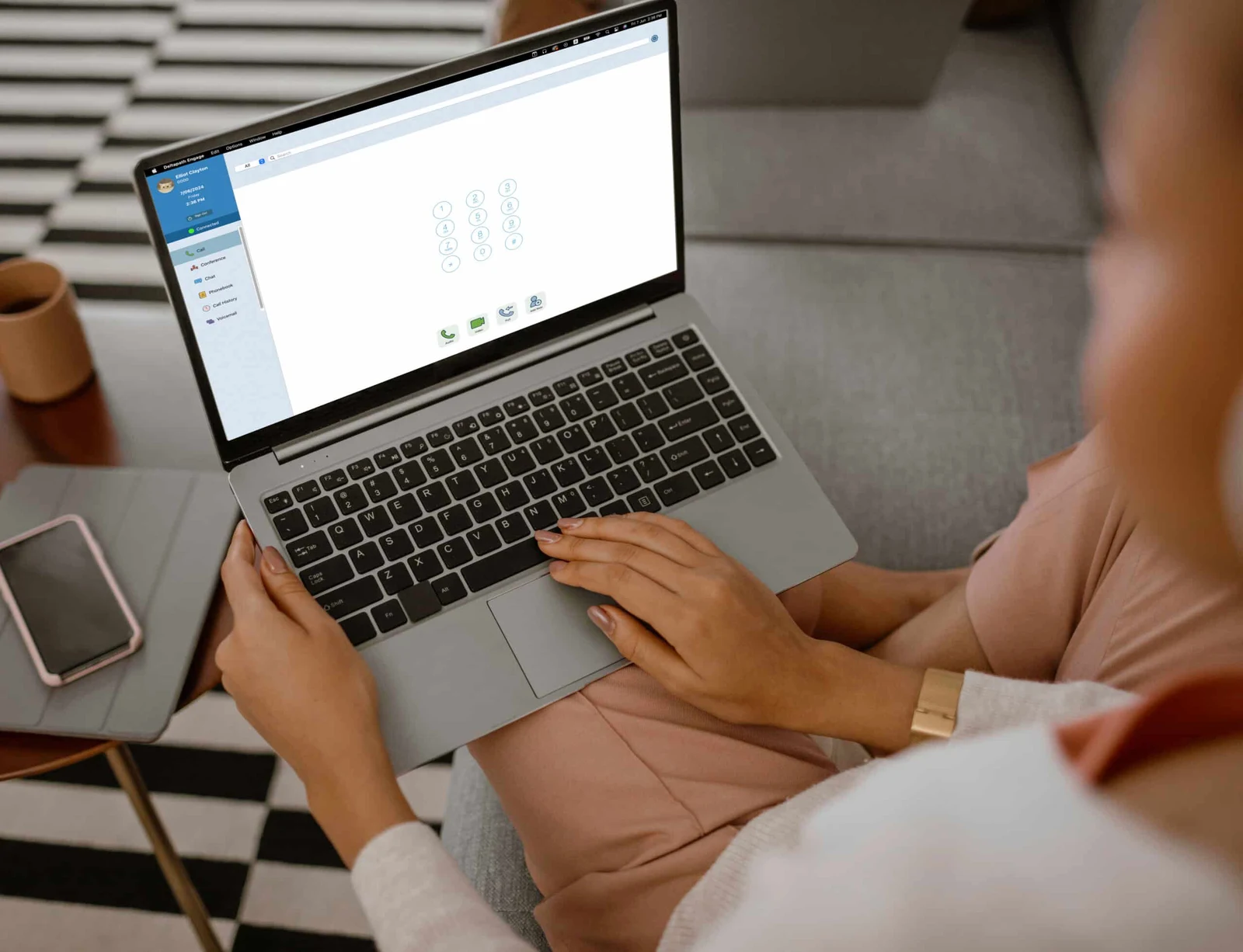
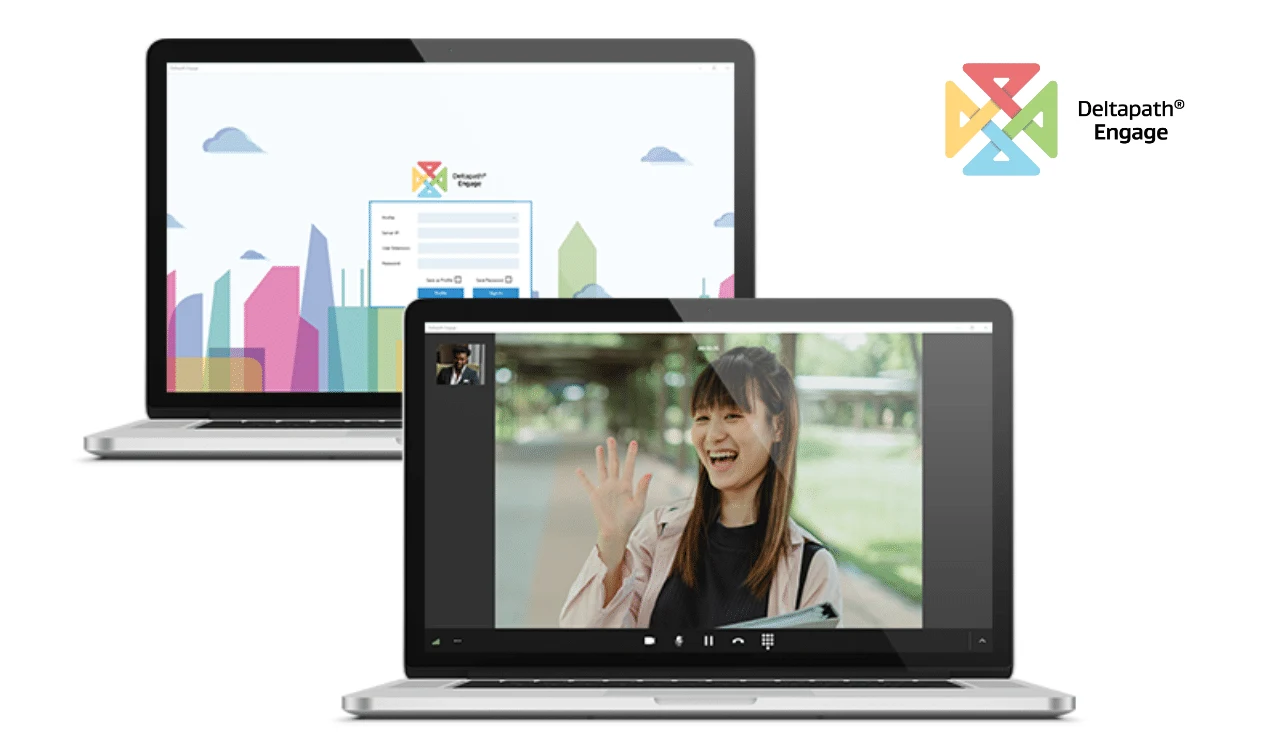
Bring your business phone to the screen you already work on. Deltapath Engage is a desktop softphone for audio and video conversations, wherever you open your laptop.
BUILT AROUND HOW YOU WORK
From a quick check-in to a conversation that moves work forward, keep the right tools close.
Keep messages, shared files, and mobile conversations together.
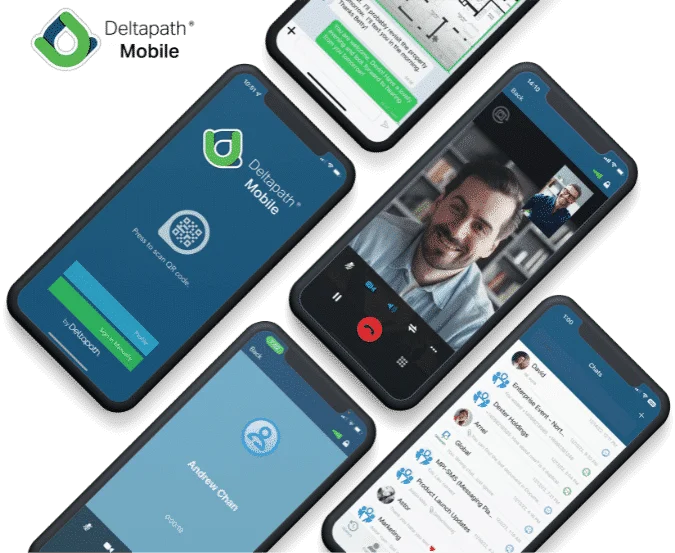
Take a call at your desk, then continue on mobile with call pulling.
Bring a face to the conversation with video calls on mobile and desktop.
EXPLORE A LITTLE FURTHER
Explore the official product details and applications, or talk through your requirements with us.
Deltapath Unified Communications (UC) brings voice, video, and messaging together. Mobile and desktop applications let your team connect beyond the desk phone.
Yes. Deltapath Mobile supports iOS and Android, while Deltapath Engage supports Windows and macOS. Both applications connect to a Deltapath UC system; they are not standalone consumer calling services.
Deltapath Mobile supports call pulling, allowing you to move an active call from a desk phone to the mobile app. Discuss your devices and system configuration with our team to confirm the setup.
Start with your team size, locations, existing phones, and communication needs. Send us an enquiry to discuss a suitable Deltapath configuration, licensing, and a demonstration.
LET’S CONNECT YOUR WORKPLACE
Tell us about your team. Let’s explore Deltapath together.